
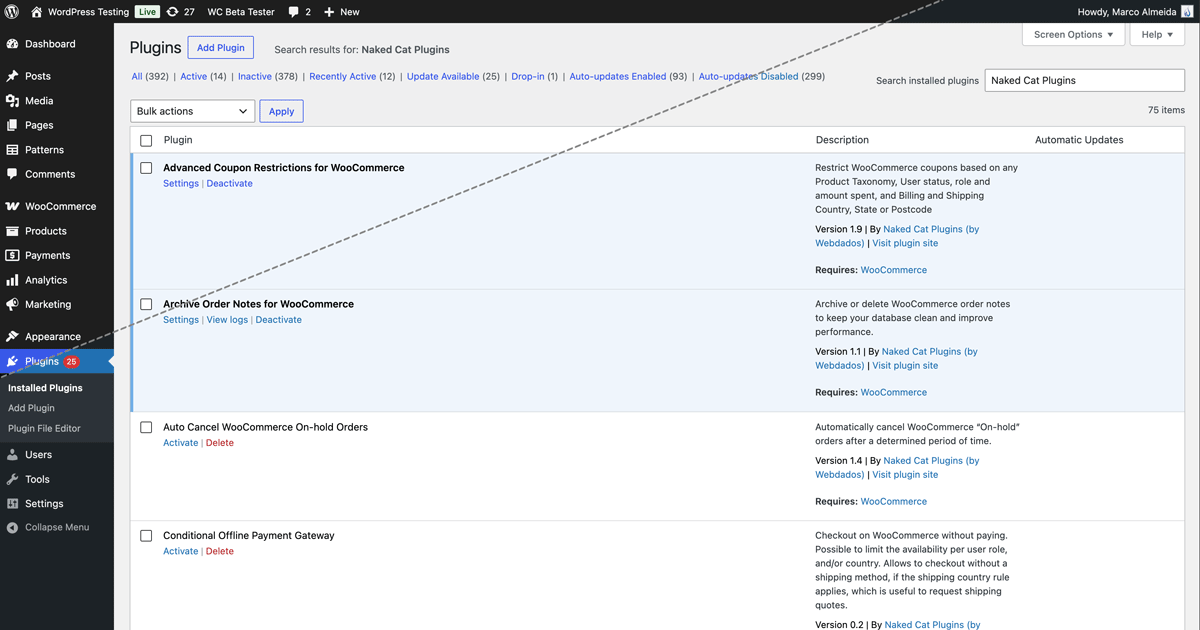
WordPress 7.0 introduces a visual refresh of the wp-admin interface. The goal is to modernize the look and bring older screens closer to the Gutenberg block and site editor design system. It focuses on UI consistency, spacing, typography, buttons, tables, and notices, not on drastic functional changes.
One of the most noticeable changes is that the (previously called) Modern color scheme becomes the default. While this aims to give the admin dashboard a cleaner, fresher look compared to the older default style, it might not be to everyone’s taste. We are all a bit “Velho do Restelo” sometimes (a Portuguese saying for “creature of habits”).
If you want to get that less-intrusive cool blue back, you just need to change the Administration Color Scheme on your profile to the Fresh palette. It might not be 100% the same as the old default, but it’s as close as it gets. Here are the steps:
- Log in to WP Admin
- Click your name in the top right corner of the window
- In “Administration Color Scheme”, choose “Fresh”
- Click “Update Profile”
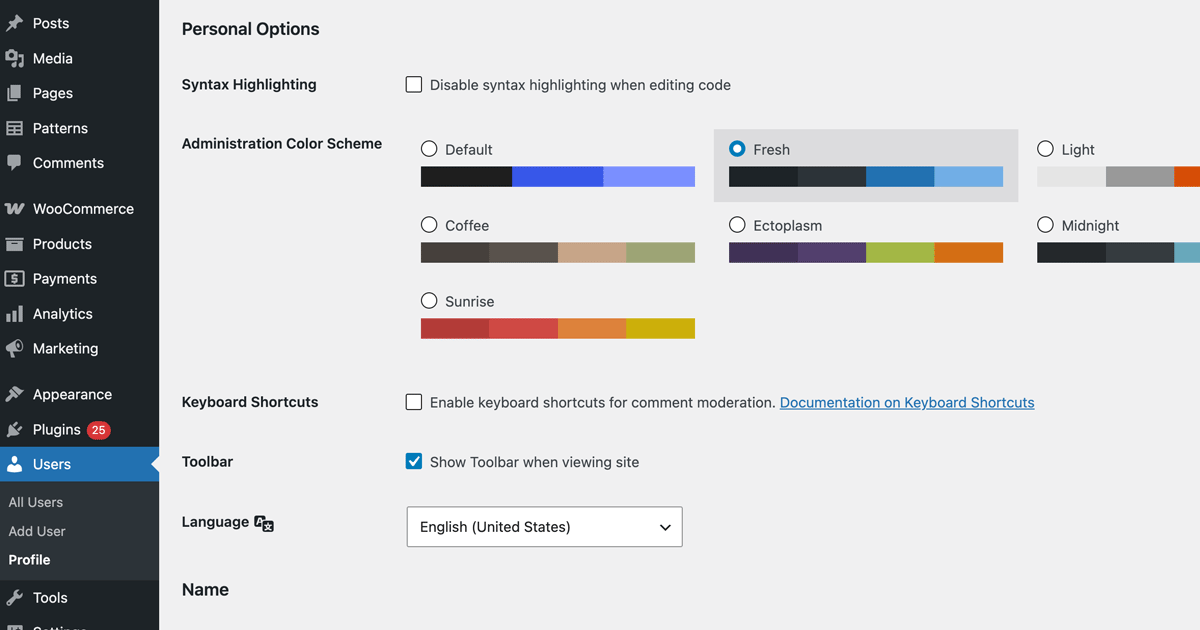
Keep in mind this is a user-level setting, not a global setting, so other users on your website also need to do the same if they want to restore the old color scheme.
Forcing the color scheme for all users via PHP
If you are a developer and want to enforce a specific color scheme across all admin users without requiring each one to update their profile, you can do it programmatically.
The color scheme is stored as a per-user option (admin_color), but WordPress provides a filter that lets you override its value at read time. Add the following snippet to your theme’s functions.php or a site-specific plugin:
add_filter( 'get_user_option_admin_color', function( $result ) {
	return 'fresh';
} );Code language: PHP (php)
This forces the Fresh color scheme for every user on every page load, without touching the database.
If you also want to persist the value on the user record — for example, to keep things consistent when the filter is eventually removed — you can update the meta on every profile save:
add_action( 'profile_update', function( $user_id ) {
	update_user_meta( $user_id, 'admin_color', 'fresh' );
} );Code language: PHP (php)
The fresh value corresponds to the Fresh palette available in the Administration Color Scheme setting on the user profile. Other available values include default (the new Modern scheme introduced in WordPress 7.0), blue, coffee, ectoplasm, midnight, ocean, sunrise, and any custom schemes registered by plugins or themes.
On GitHub: