

Managing dozens or even hundreds of WooCommerce coupons can quickly become a mess. Whether you run frequent promotions or offer personalized discounts, finding and managing the right coupon shouldn’t feel like searching for a needle in a haystack.
That’s why we’ve introduced Coupon groups, a brand-new feature in our Advanced Coupon Restrictions for WooCommerce plugin.
Just like products have categories and tags, you can now organize your coupons with a custom taxonomy. This makes it easy to group your coupons by campaign, customer segment, usage scenario, or anything else that makes sense for your store. All from the familiar WordPress admin interface.
No more endless scrolling through the coupon list. No more guessing what “SUMMER2023-X5” was for. Just clean, organized coupon management.
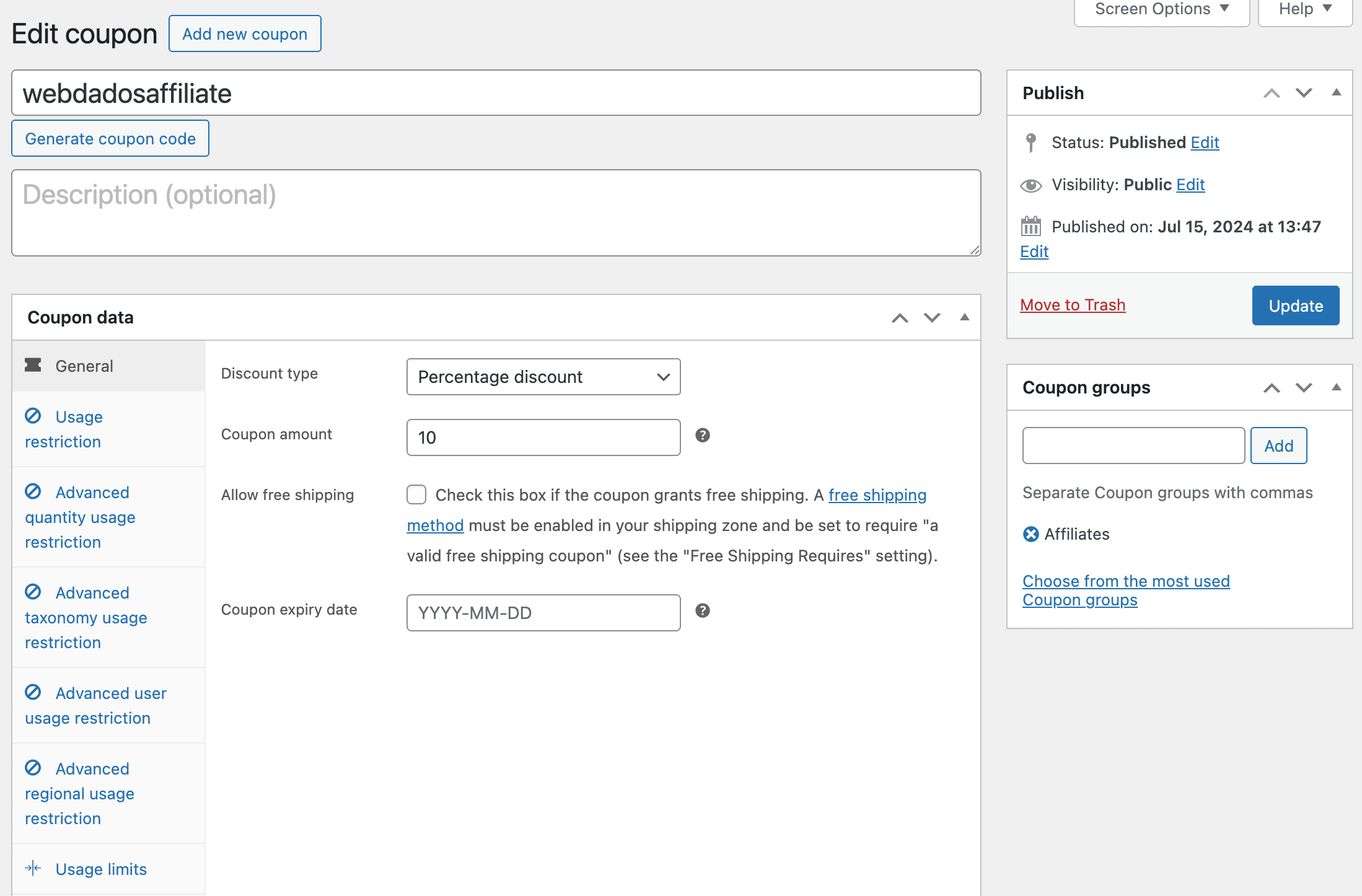
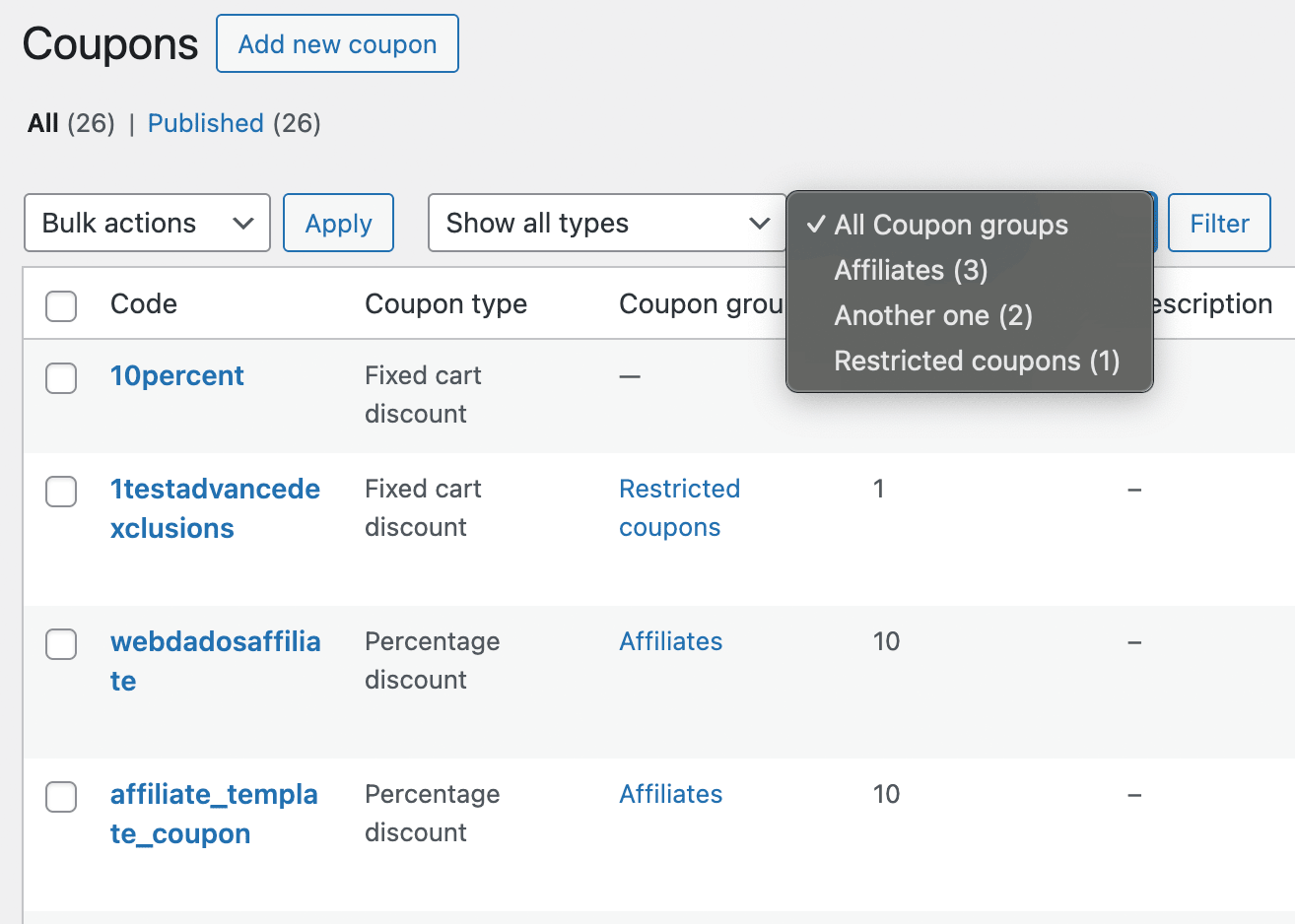
Powerful restrictions, even more organization
In case you’re new to it, Advanced Coupon Restrictions for WooCommerce helps store owners control exactly when and how coupons can be used. Key features include:
- Restrict coupons by customer role, login status, any product taxonomy (tags, brands, shipping classes, and your own attributes), and billing or shipping country, state, or postcode
- Set minimum and maximum quantities, counting either the total items in the cart or how many different products are in it
- Reserve a coupon for chosen customer accounts, which nobody can use without signing in as that customer, or block accounts and addresses outright, whole domains included
- Allow or block a coupon on subscription renewals and on new subscription orders, if you run WooCommerce Subscriptions
- Allow one coupon for chosen user roles and guest shoppers at the same time, instead of having to choose
- Combine as many restrictions as you like on one coupon, with every rule having to pass, plus an “Except” list that blocks a customer whatever the other rules allow
- Now, organize your coupons with custom Coupon groups
Ready to take control of your WooCommerce coupons? Get Advanced Coupon Restrictions for WooCommerce now.